Seclore's risk insight dashboard
Seclore's risk insight dashboard
B2B
Product designer
Focused on UX/AI
Project overview
Seclore AI is an intelligent assistant integrated within the Seclore ecosystem, designed to enhance data security workflows through real-time insights and automation. It offers conversational support and dynamically generates actionable reports, streamlining decision-making.
Domain
Cyber security
My role
Product designer
Team
3 Designers
Timeline
3 months
Business Impacts
25%
Increase in report generation
The implementation of natural language-based reporting, which eliminated the need for users to engage with complex data, resulted in increase in report generation.
Problems
Lack of Quantifying Risk
Measuring risk is hard due to lack of clear
standards and evolving threats. The costs of data breaches are significant and growing.
Adoption Issues
Adoption is often compliance-driven,
not risk-focused & Complex tools create usability barriers for end-users.
Demonstrating ROI
Stakeholders need to see the
value of investments through adoption
rates and prevented losses.
Problem statement
How might we make the Risk Insights Dashboard
more accessible using AI?
The 4 Voices Behind
Seclore AI
01
Voice of Intent
We need to enable AI capabilities while it’s still a nice-to-have, else we’ll end up playing catch-up.
02
Voice of User
Just want answers faster—something that helps me spot issues or risks without digging through tons of data.
03
Voice of Design
AI should enable workflows which would otherwise not be feasible without high resource investment.
04
Voice of Experience
We should look at which reports our personas typically require, and dive deeper into what they would like to see there.
Solution
NLP (Natural language processing) Query
Make it easier for the Security Administrator and Global Security Administrator to query information from the activity reporting page.
Report Generation
Help the Security Administrator and Global Security Administrator create shareable reports from the Risk Insights dashboard.
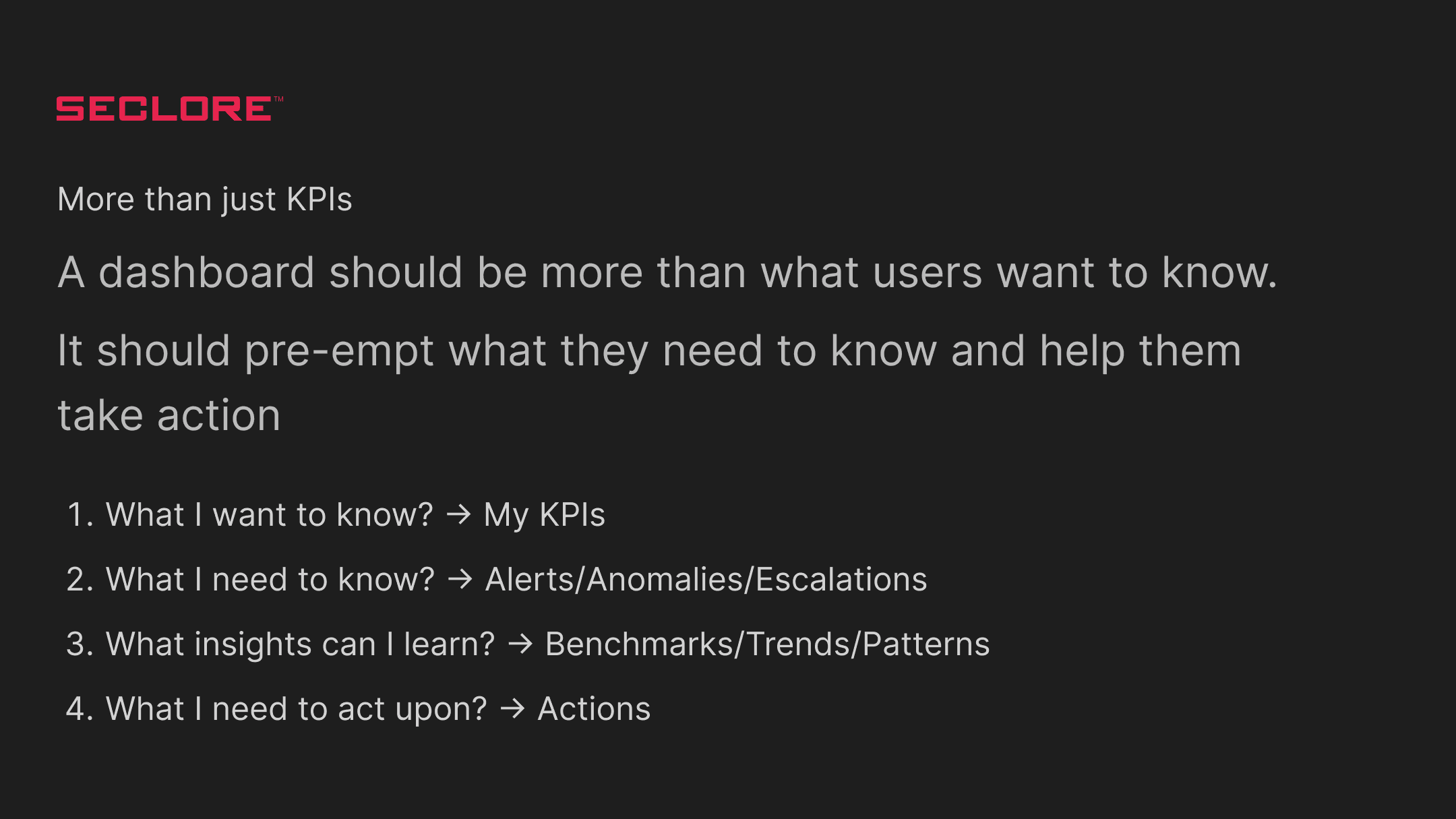
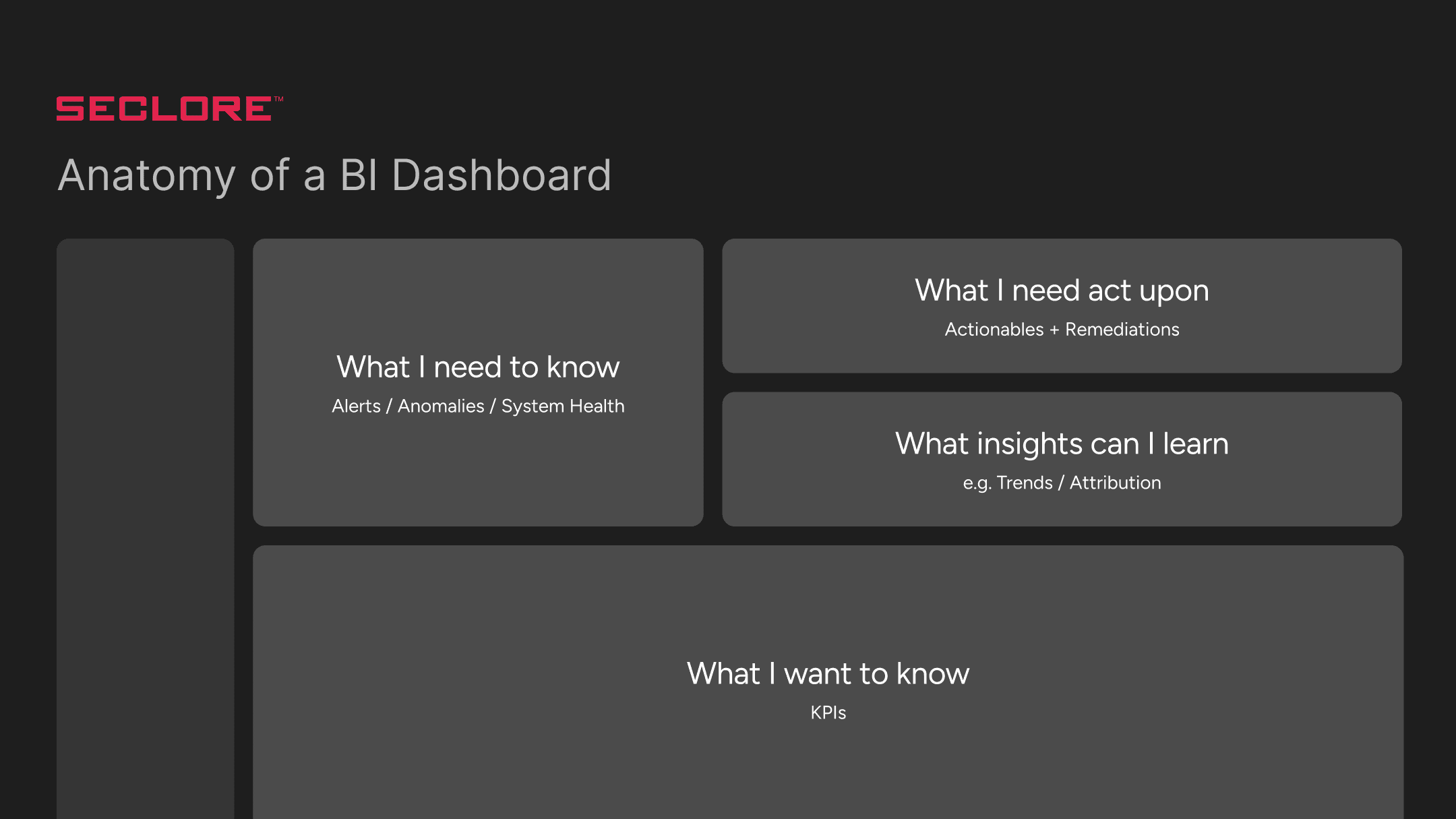
Anatomy of BI Dashboard
We have defined 4 key principles to strategically structure the power bi dashboard
User Personas

Poor experience
Good experience
Best practices
Less Technical – High-Level Strategic
Risk Manager
- Struggles with measuring the performance of risk programs.
- Difficulty identifying and prioritizing critical risks.
+ Focused on reducing business risk and ensuring compliance.
CIO
- Limited visibility into evolving security threats.
- Dependent on multiple teams for implementation and monitoring.
+ Ensures security recommendations are implemented and audits completed.
+ Manages IT architecture to reduce exposure and ensure alignment with enterprise goals.
Technical Leader – Operational Executive
CISO
- Burdened with justifying investments and communicating complex data to nontechnical stakeholders.
- Faces challenges with fragmented tools and inconsistent reporting.
+ Manages IT and cyber risks across systems and departments.
+ Coordinates technology and teams to prevent breaches.
+ Needs dashboards for effective executive communication.
IT Stakeholders
- Often lack high-level visibility into broader security strategy.
+ Includes risk analysts, IT and audit professionals & execute daily threat identification and mitigation tasks.
End users
Security Administrator
- May struggle with policy enforcement at scale or lack of automation.
+ Conducts penetration and vulnerability testing.
+ Configures security systems and recommends improvements.
+ Enforces network policies, roles, and access controls.
IT Stakeholders
- May become siloed in responding to alerts without understanding overall risk context.
+ Deep expertise in neutralizing threats.
+ Operate at the ground level, ensuring continuous protection.
Design Interventions
#1 AI Chatbot in the Risk Insights Dashboard
Seclore’s AI chatbot dashboard lets users easily generate reports and insights using simple language. It quickly pulls and presents key data, helping senior leaders see what matters most—fast and clearly.
Scenario:
User lands on the dashboard
Generates a report using Seclore AI
The content is loading... Please wait
The content is loading... Please wait
#2 AI in Outlook Add-in for Classification
Seclore AI in outlook plays a major role when it comes to decision making. The integration scans the mail body and checks whether the label of the attachment if present then classifies the mail and gives insights or actions if required.
Scenario:
Auto open add-in on send
AI analysis and actions
The content is loading... Please wait
The content is loading... Please wait
#3 Seclore Copilot
Seclore copilot is the extension of the chatbot which has the similar interface like other AI providers like gpt/copilot. It has the capacity to process natural language and provides the response and the response comes with a certain actionable as per the scenario
Scenario:
Generates a report using Seclore copilot
Asks for a solution to improve the risk score
The content is loading... Please wait
The content is loading... Please wait
Glimpse of Power Bi Dashboard Sample
Here is a quick glimpse of Seclore's life before & after considering design as a key factor in the product.
My growth as a designer
through this project
01
Exposure to LLMs and NLP
Understanding of LLMs and how AI can be integrated into an existing product. Learnt how to elevate the current experience of the app to more interactive using AI.
02
Conversational design
Designed AI agents which can use more human like conversations. Understood and incorporated the theory of AI assisted experience vs AI driven experience.
If you liked that, you’ll probably love these too!
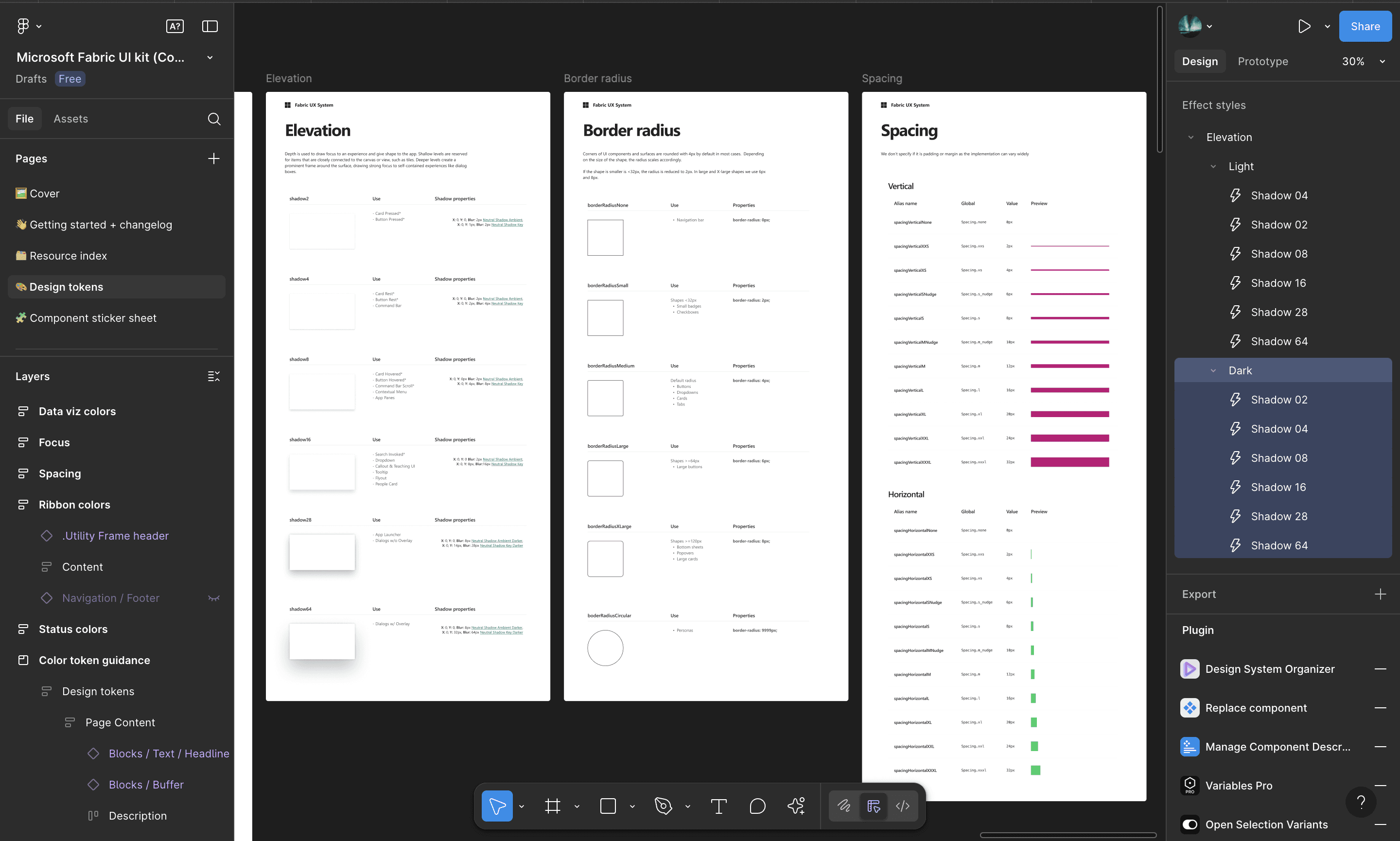

Seclore design system
Bengaluru’s Kempegowda International Airport (BLR) is redefining the airport experience by integrating diverse services into a single, seamless platform.
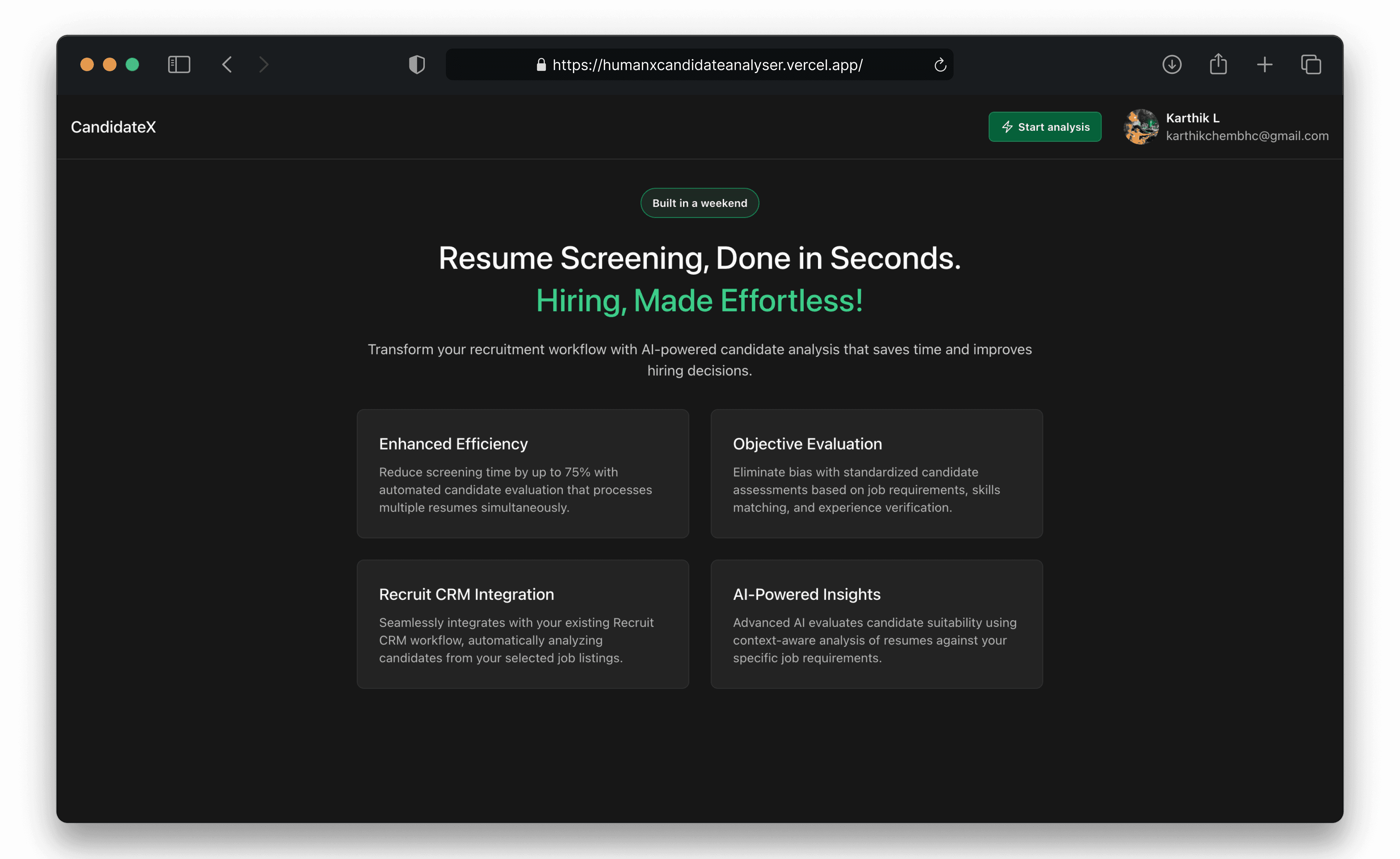
AI hiring agent
Streamlines hiring by analyzing resumes and candidate's input against JD with AI. It understands the background instead of matching the keyword.